 Bulin 47 AI
BULIN 47 AI TUTORIAL
How to Make the Bulin 47 AI Video
Want to star in the Bulin 47 freestyle everyone is remixing? Upload one clear photo below, generate your Bulin 47 AI video, and download a vertical clip ready for TikTok, Reels, or Shorts. No filming or editing needed.
Step 1: Add your photo to start the tutorial
One photo. Your freestyle starts here.
A clear upper-body photo works best. Show one person, good lighting, and the outfit you want in the video.
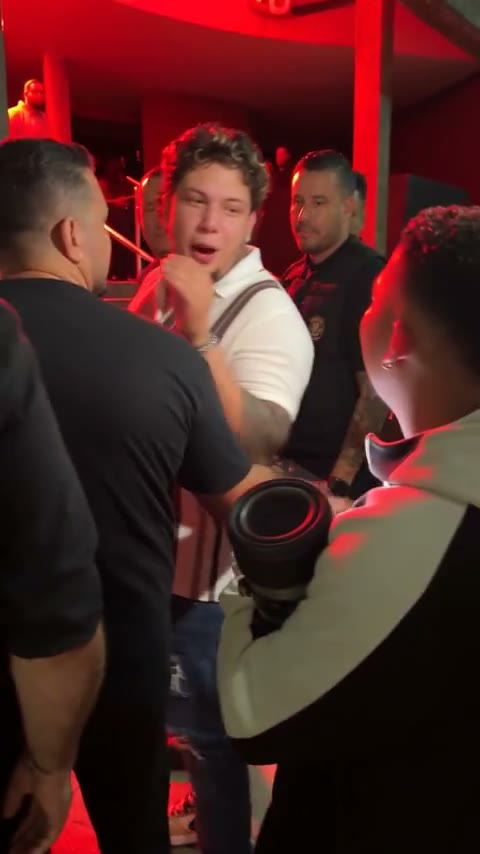
Bulin 47 freestyle
23 seconds · 9:16 vertical video
Uses 1 video credit
By generating, you accept our Terms of Service.
480p vertical video
Independent AI creation tool. Not affiliated with or endorsed by Bulin 47.
Bulin 47 freestyle tutorial: 3 steps
The generator above already has the freestyle preset loaded, so this Bulin 47 AI tutorial takes just three steps.
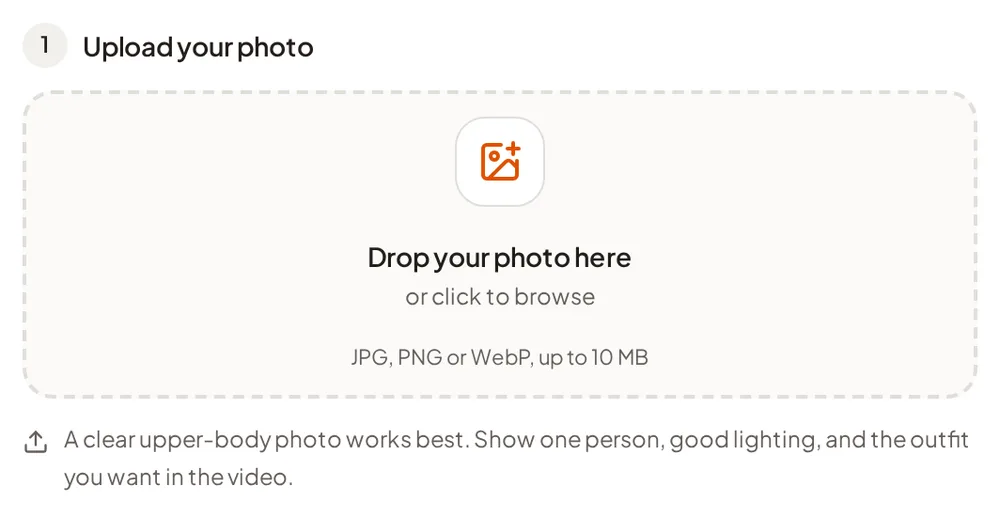
1. Upload a clear photo
Pick a sharp, well-lit photo of one person with the face, hair, and upper body visible. JPG, PNG, and WebP up to 10 MB work. Only use photos you own or have permission to use.
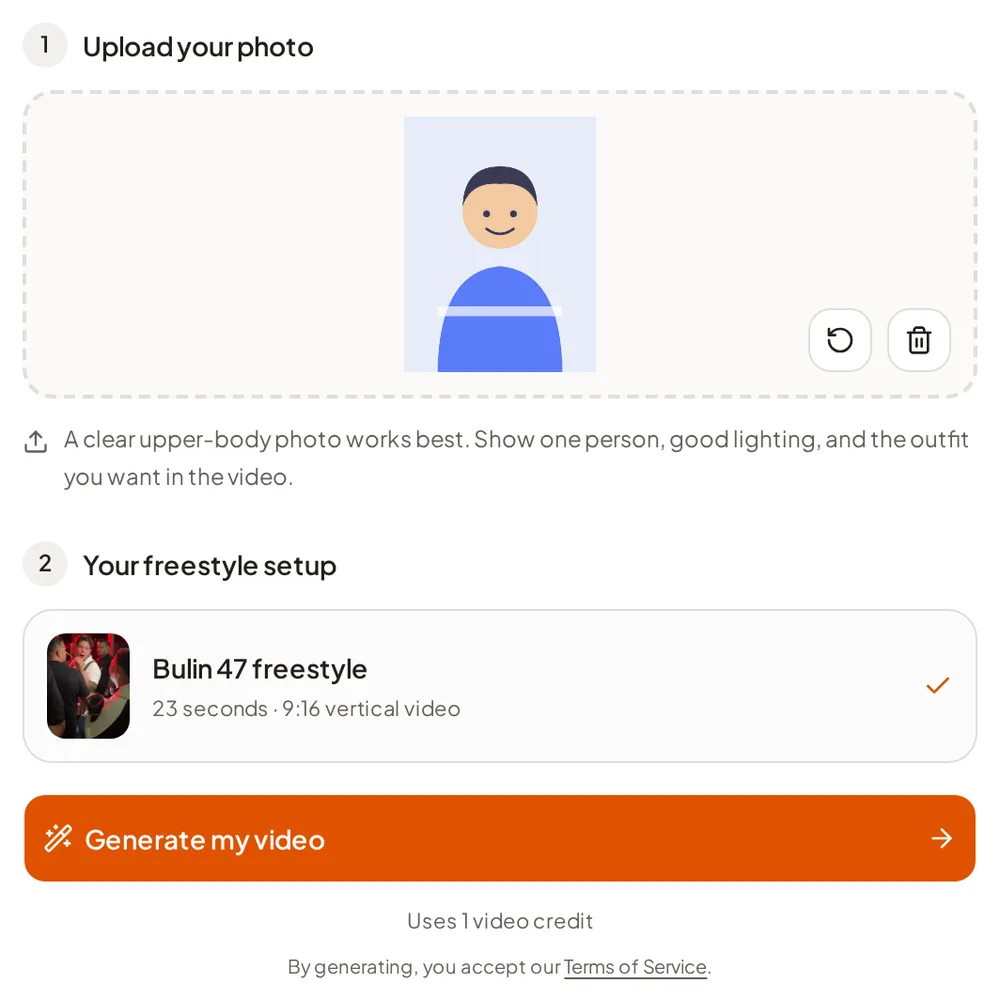
2. Generate your Bulin 47 AI video
Sign in, check the one-credit cost, and press generate. The Bulin 47 freestyle AI preset supplies the scene and performance; your photo guides how the lead looks.
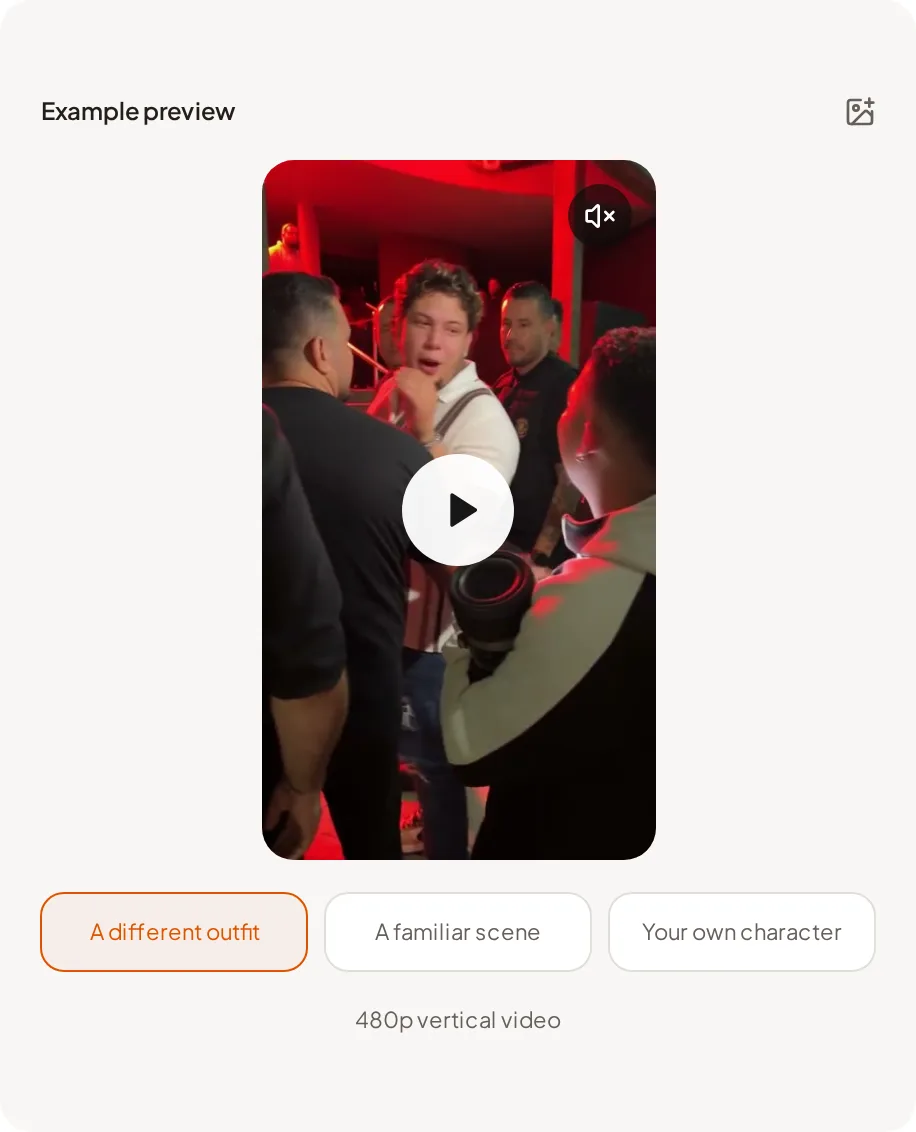
3. Preview and download
Watch the result with sound, then download the 9:16 MP4 and post it wherever you share short videos.
Where the Bulin 47 freestyle trend comes from
Bulin 47 is a Dominican singer. A freestyle video of Bulin 47 with Kevin Wai went viral in October 2026, and people quickly started recreating it with their own faces.
That is what a Bulin 47 AI video is: you keep the familiar freestyle moment and swap in yourself, a friend who agreed to it, or a character you have rights to. This site is an independent tool and is not affiliated with or endorsed by Bulin 47 or Kevin Wai.
Bulin 47 AI tutorial FAQ
Is there a free AI TikTok video generator?
Some AI video tools offer free tiers, but this Bulin 47 AI video generator uses paid credits: one credit per Bulin 47 video, bought as a one-time pack with no subscription. A failed generation automatically returns its credit.
How do you get AI on TikTok?
Create the clip with an AI tool, download the video file, and upload it to TikTok like any other video. For this trend: generate your Bulin 47 AI video above, download the vertical MP4, and post it. Follow TikTok’s rules for labeling AI-generated content and make sure you have permission for the people and audio in it.
How do I make the Bulin 47 freestyle AI video?
Upload one clear photo to the generator at the top of this page, generate, then preview and download the 9:16 MP4. The freestyle preset is built in, so you do not need to film, write prompts, or edit.
What photo works best for a Bulin 47 AI video?
A sharp, well-lit photo of a single person with the face, hairstyle, and upper body visible. Avoid heavy filters, covered faces, and group shots.
What format is the video?
A vertical 9:16 MP4 at standard 480p, made for TikTok, Instagram Reels, and YouTube Shorts.
Is this an official Bulin 47 app?
No. It is an independent AI creation tool with no affiliation with, endorsement from, or sponsorship by Bulin 47 or Kevin Wai.
What is the original Bulin 47 video?
It is a freestyle video of Bulin 47, a Dominican singer, performing with Kevin Wai. The clip went viral and became the trend people now recreate. This tutorial does not host or share the original; it shows you how to make your own AI version.
How do I make my own Bulin 47 remix or edit?
Many people share their own takes on viral clips. With this tool you do not cut up the original footage: you upload your photo and generate a new AI version of the freestyle starring you, then download it and post it as your edit.
Ready to join the Bulin 47 trend?
Scroll back up, add your photo, and make your own Bulin 47 AI video.
Make my Bulin 47 AI videoIndependent AI creation tool. Not affiliated with or endorsed by Bulin 47 or Kevin Wai.